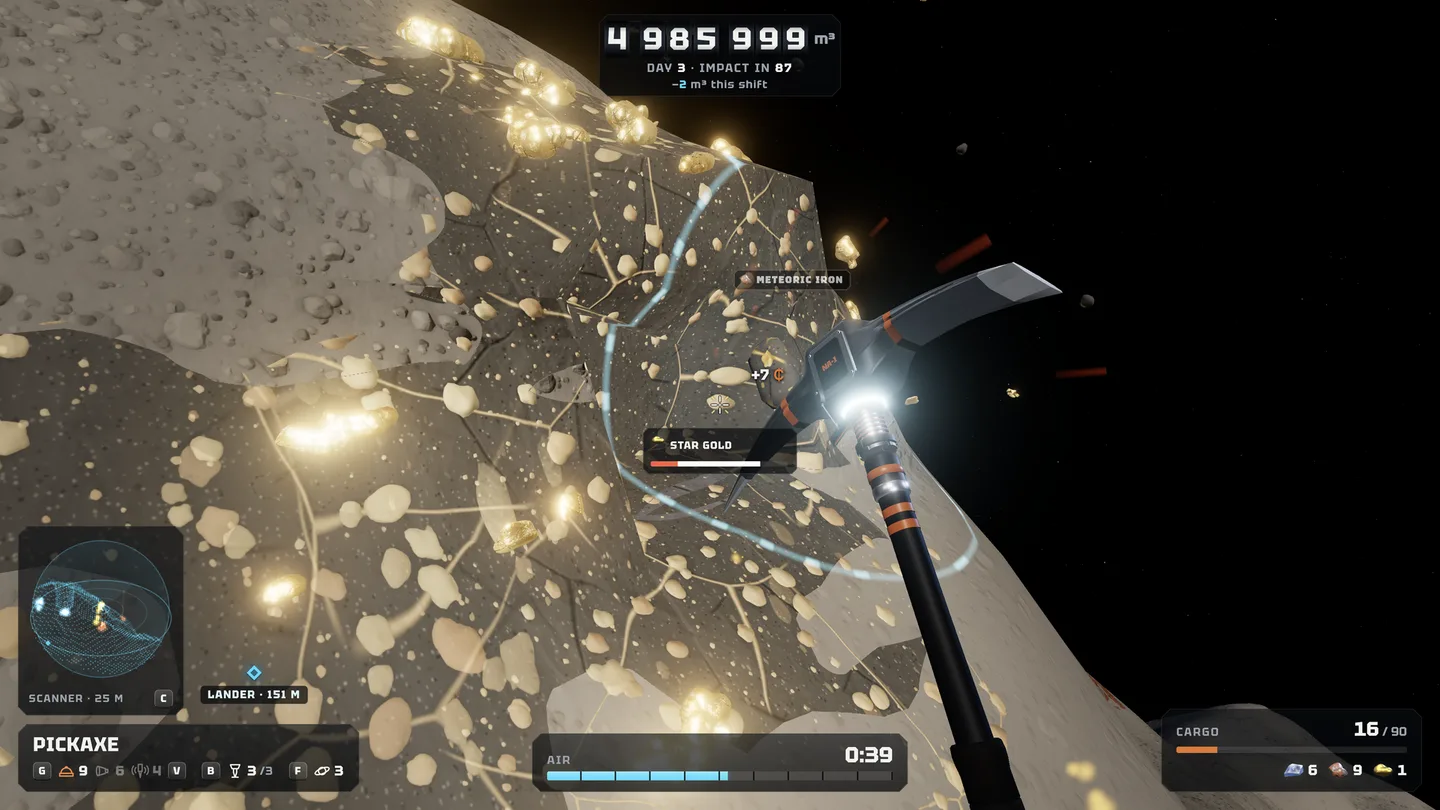
Take the lander to the asteroid and mine an exposed patch with your pickaxe. Turn back while you have air for the trip home. Sell the ore at the ship’s trade terminal, then choose what to improve for your next shift.
In this guide
01Leave the hangar
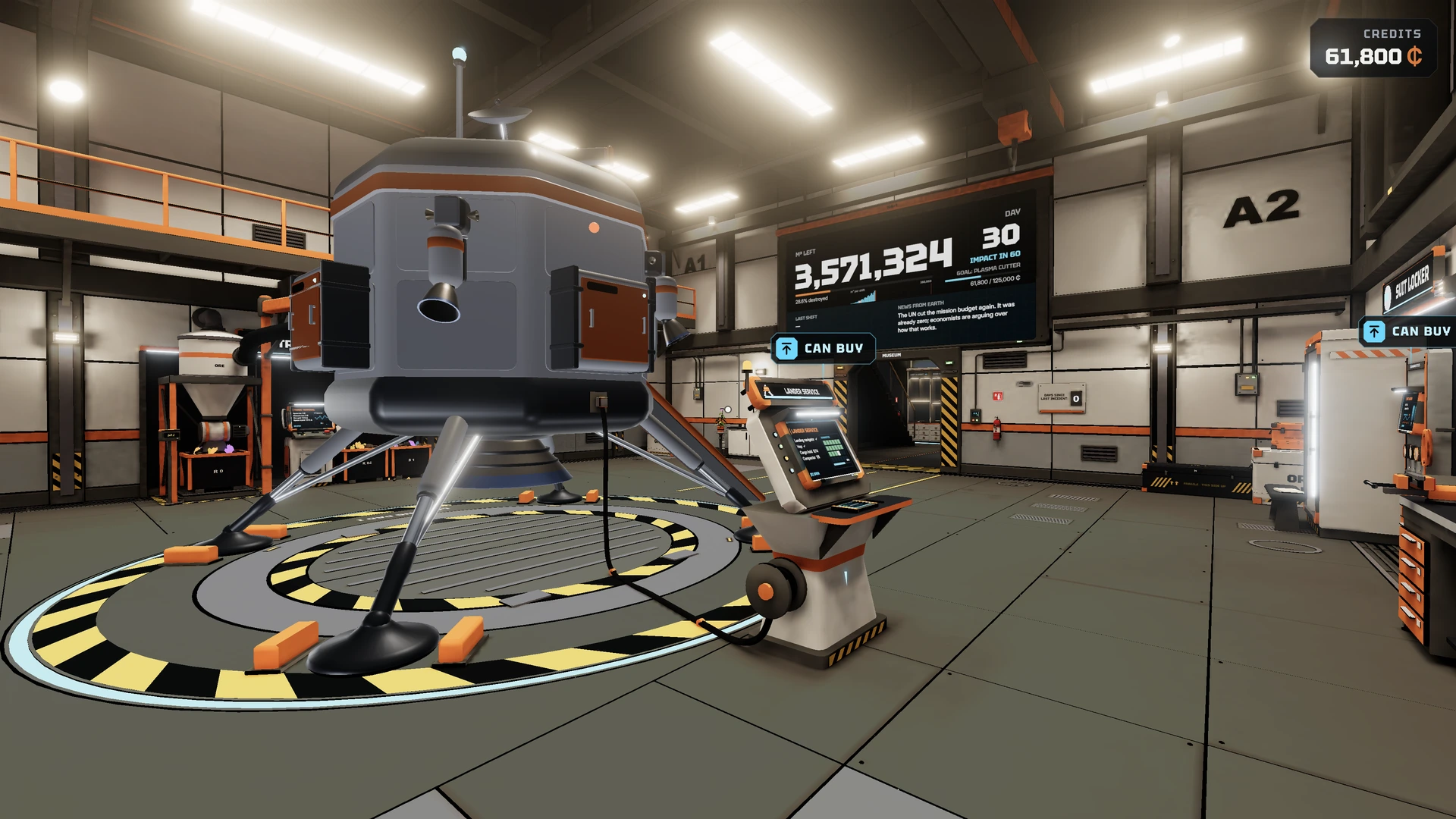
Find the lander in the hangar. Read the mission board before boarding, then take the lander down. When you step out, turn around once to see where you need to come back.
Look for the game day and remaining cubic metres on the hangar wall. Together they give you a starting point for the shift.
If you get stuck Read the prompt beside the lander in your own game. The Lander Service terminal beside it is for upgrades.
02Mine an exposed deposit
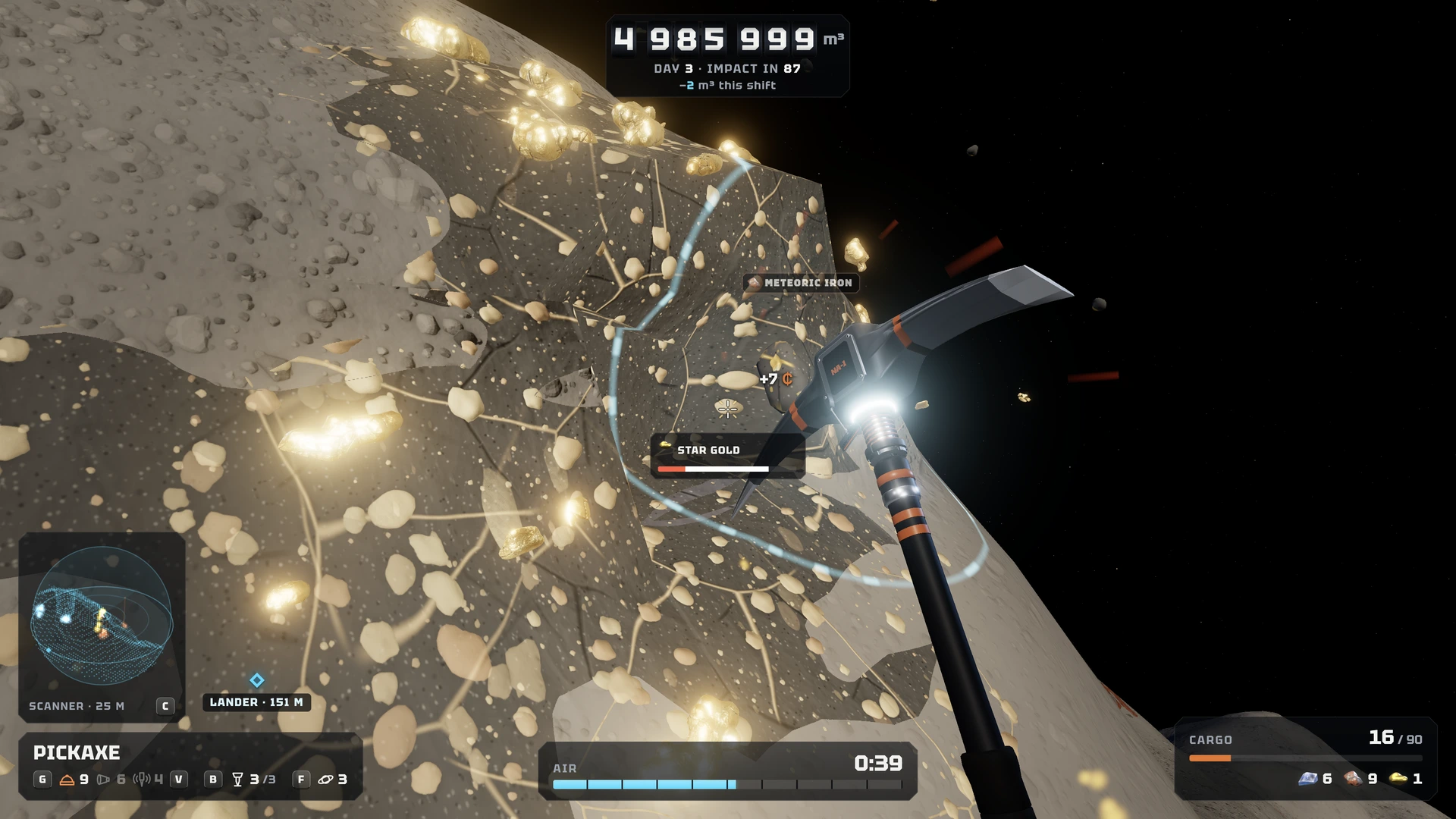
Pick an ore patch you can reach from the landing site. Point the pickaxe at the exposed mineral and strike it. Star gold makes a useful reference if you find some.
Look for the mineral name near the crosshair. Check the cargo panel at the lower right to see what you have collected.
If you get stuck If the asteroid counter changes but your hold stays empty, aim at a named mineral and check the cargo again. Plain rock has its own sale rules later in the campaign.
03Check your air
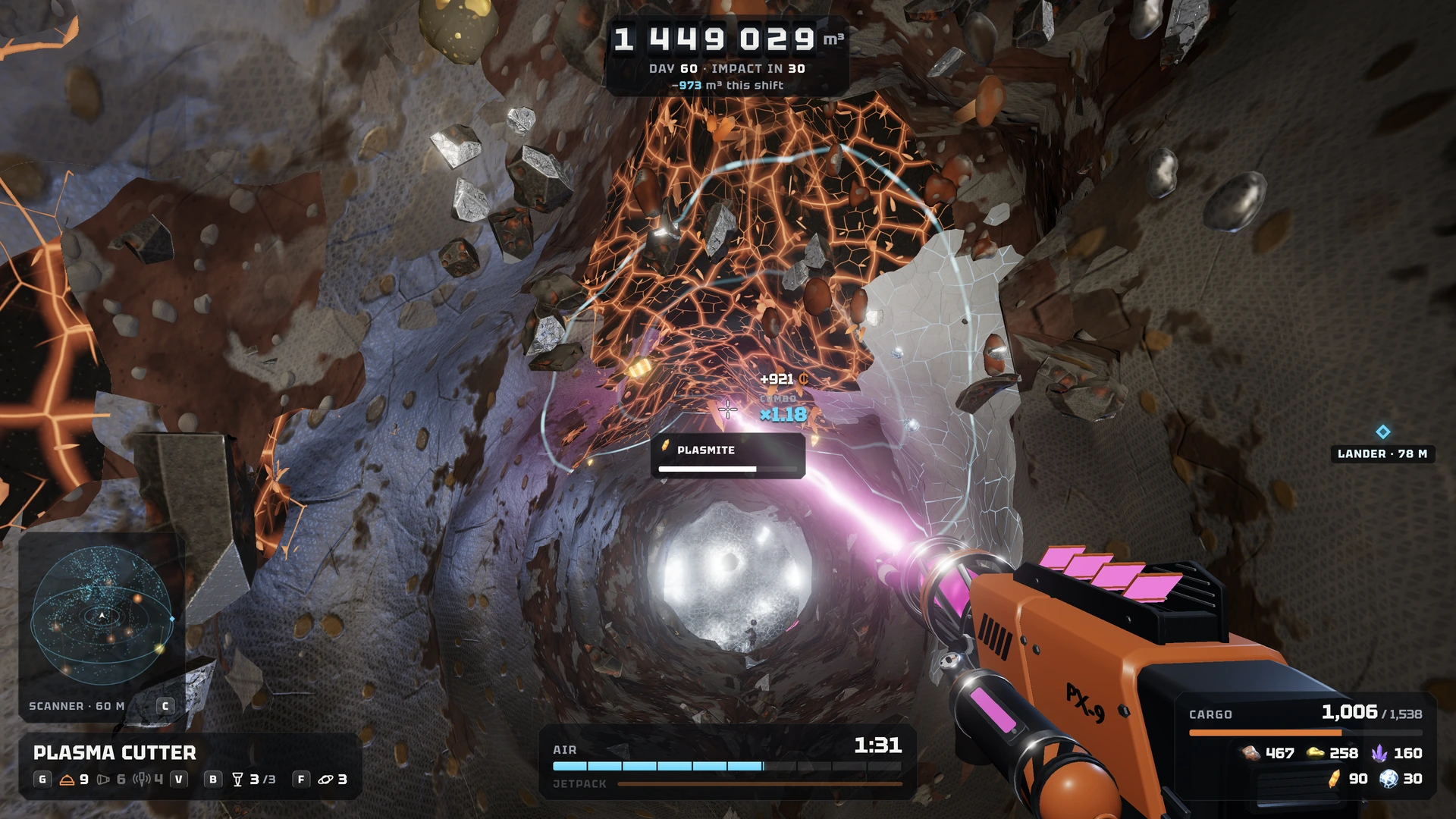
Pause before digging farther in. Read the AIR timer and look back along your route to the lander. Give yourself time to retrace bends and climb out.
Look for the AIR display at the bottom centre and the LANDER marker in the scene. The marker gives a distance in metres.
If you get stuck If you lose sight of the tunnel you entered through, start back while you still have time to find it. A distance marker alone cannot tell you how long the route will take.
04Return to ship
Retrace your route and board the lander. In co-op, tell the crew when you are aboard and wait for the others to check in before takeoff.
Look for a reply from each miner. The co-op demo announcement warns that a crewmate left outside can lose that trip’s haul.
If you get stuck If everyone is ready and the return countdown hangs, record who is hosting and whether anyone is down or disconnected. See the co-op return countdown checks. For the reason to head back early, jump to Why return with a partly empty hold?
05Sell your ore
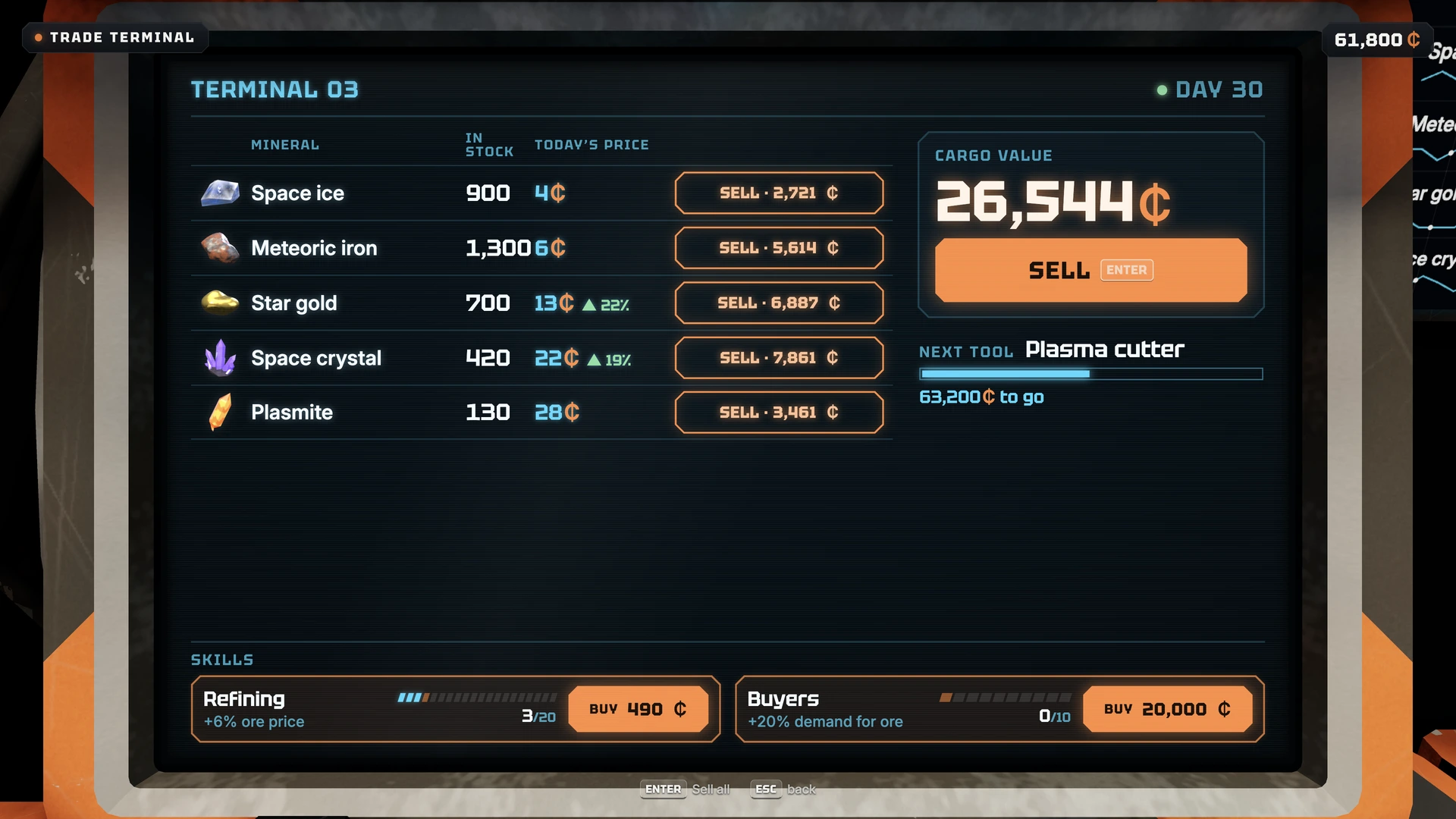
Open the trade terminal. Read In stock and Today’s price beside a mineral you brought home. Use the sale control for that mineral, or the main Sell control for the whole haul.
Look for the Cargo value panel on the right and the credits balance at the top. Compare the balance before and after your sale.
If you get stuck If the hold contains less than you expected, check what you actually collected. Read the mineral and selling guide to separate cargo, market value and rock removed.
06Choose your next upgrade
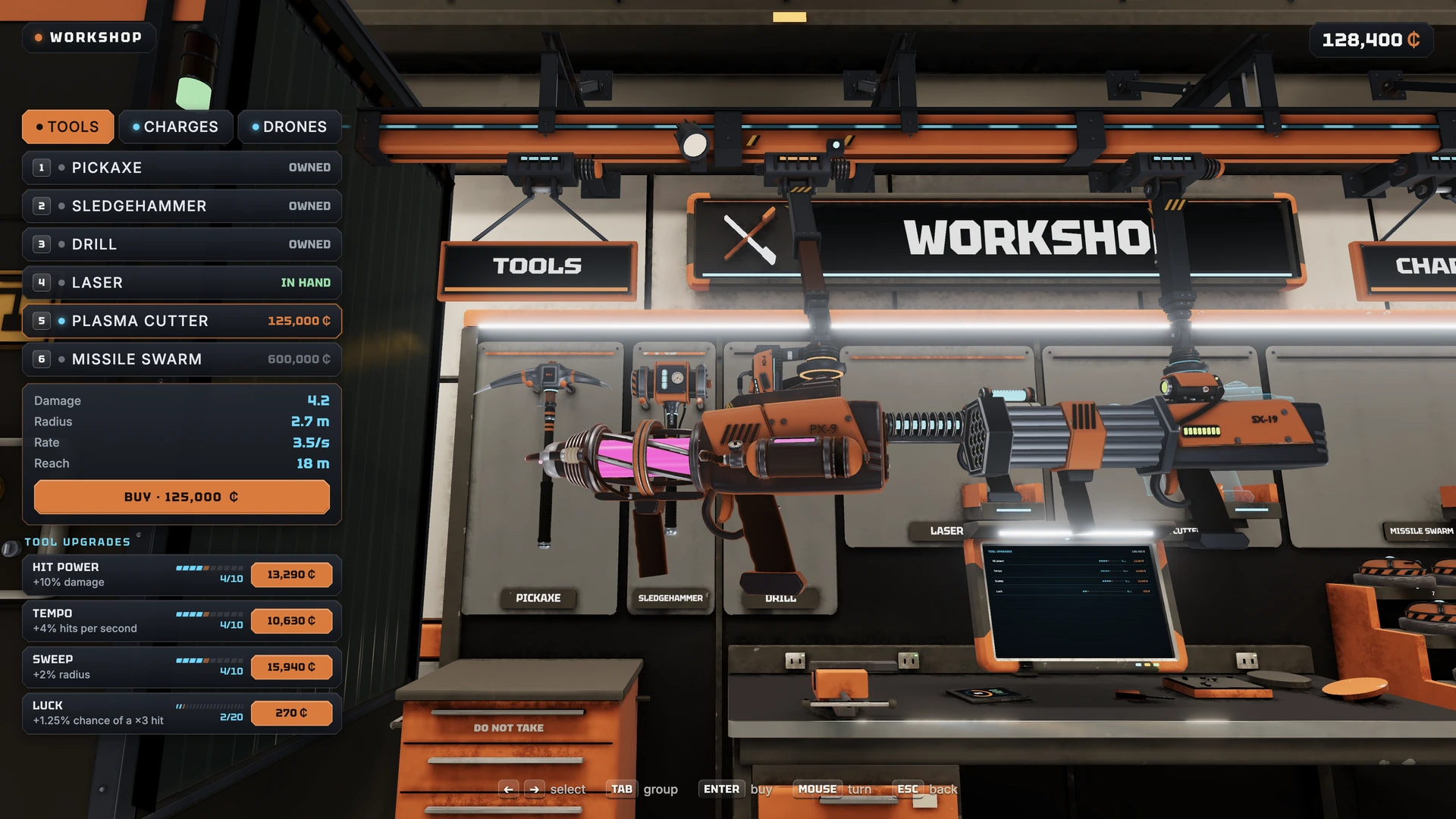
Think back to the part of the shift that cost you the most time. Examine handheld tools for working an ore face, cargo upgrades if you filled up early, or ship guns if you need more rock cleared while you mine. Check the displayed price against your balance.
Look for the Tools list and highlighted item in the workshop. The ship’s guns have their own equipment screen.
If you get stuck If prices differ from a friend’s, compare difficulty and the host’s gear setting before buying. The 22 Nov personal-gear update changed which three tools use solo prices. Read the mission board again on your next departure.
Why return with a partly empty hold?
The ore you bring aboard pays for the next trip. A shorter first trip gives you a sale and a chance to learn how long the route takes before you try a deeper seam.
If you made it back with ore but the giant counter barely moved, you still completed the mining loop. Read how to read the day-90 goal when you are ready to compare shifts. For the next descent, check your air and return route.
Sources and version
Field Manual editors · Published · Last checked and updated .