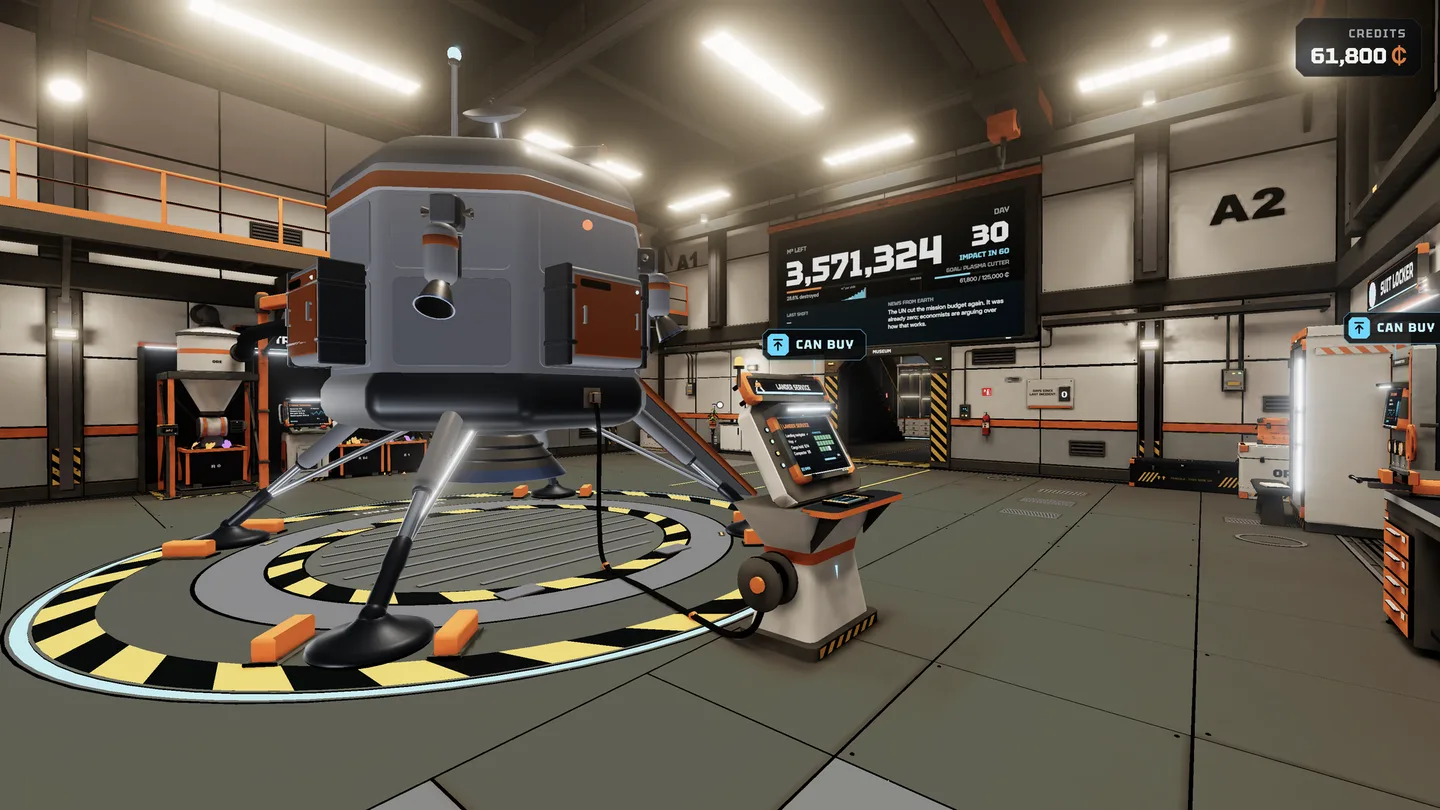
The lander stands in a striped bay beside the mission board.
First-shift walkthrough

No Asteroids
01 Departure

Leave the hangar

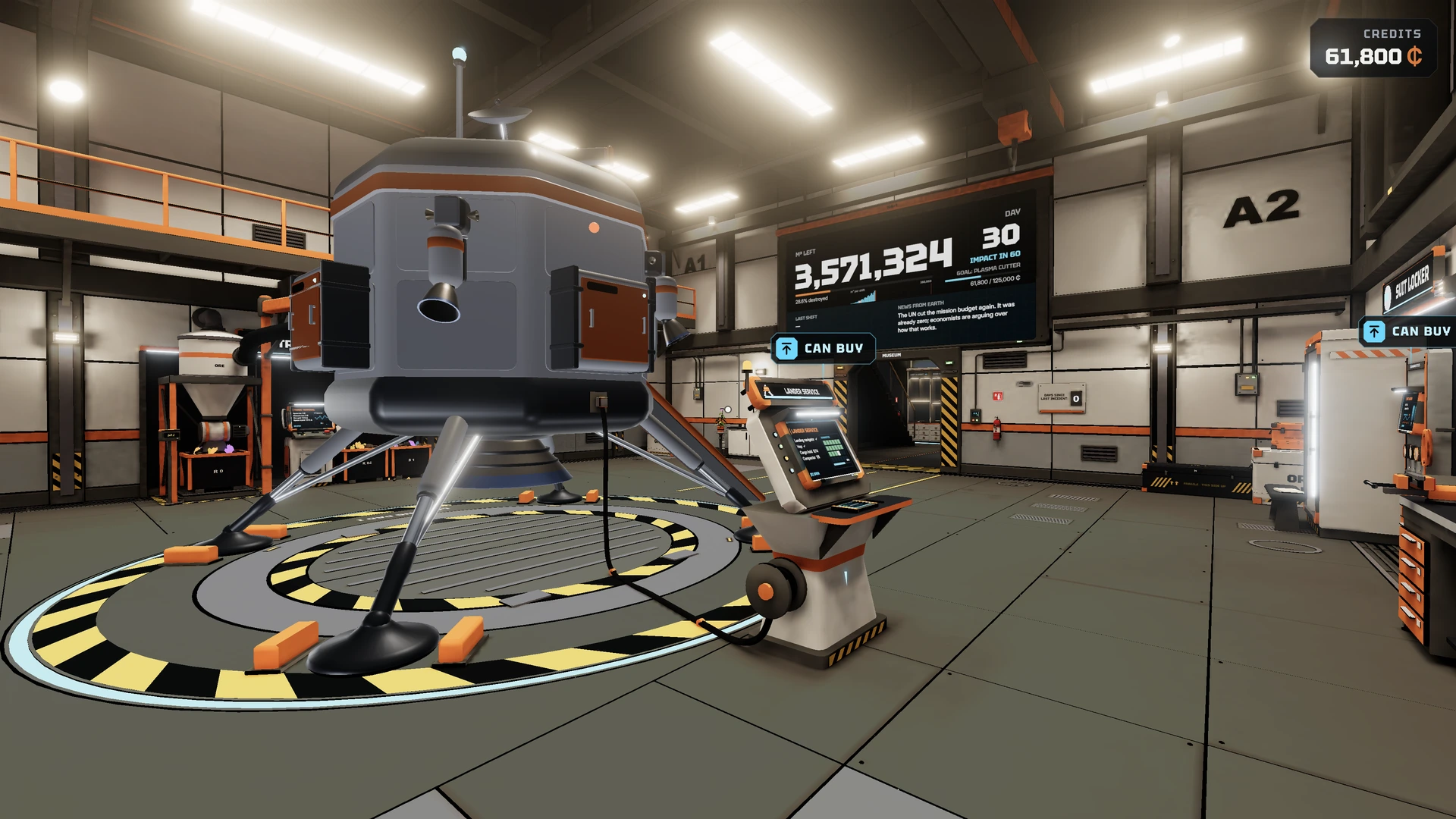
Read the mission board. Board the lander inside the striped bay.

FIG. 01Hangar bay Full frame
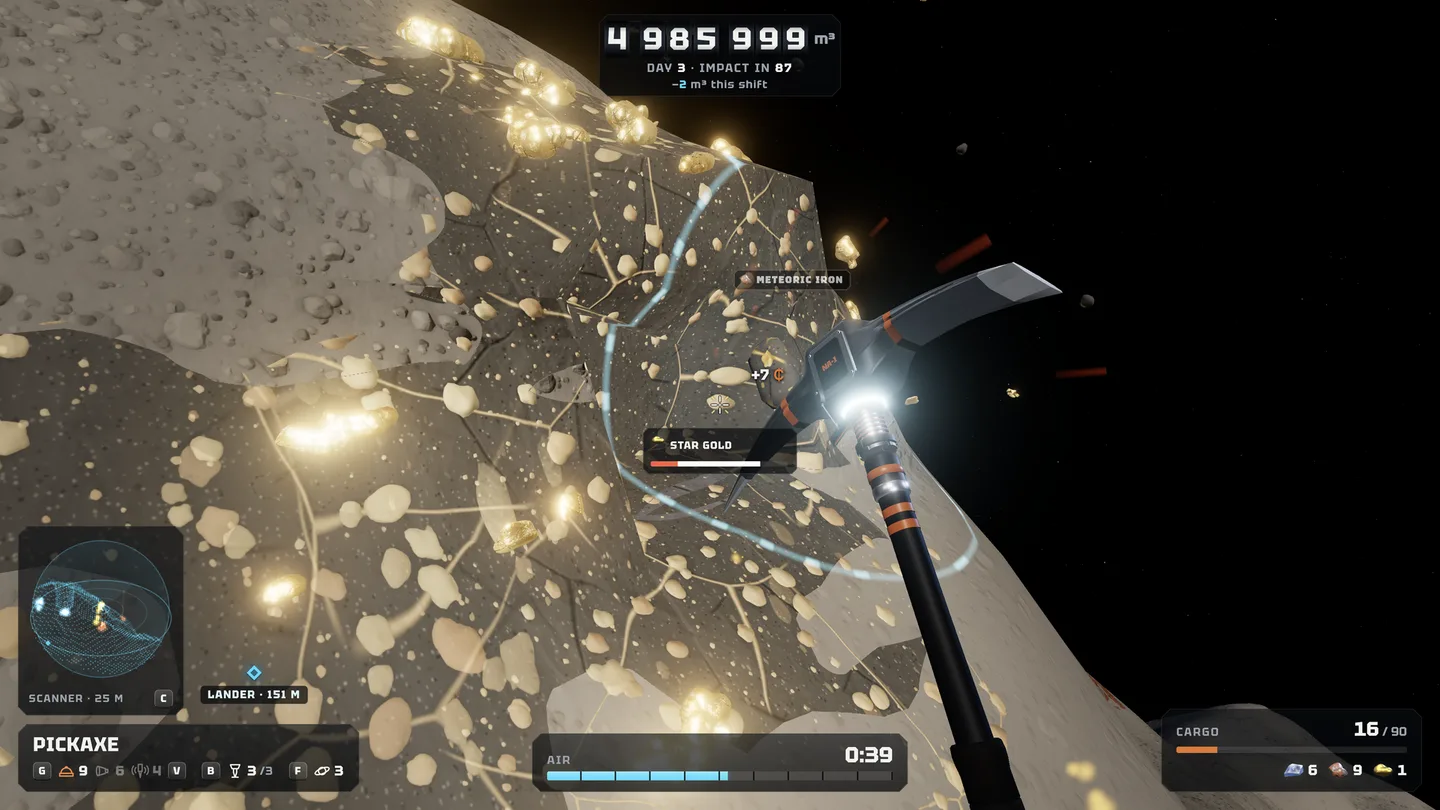
A pickaxe faces a gold seam beneath the Star Gold readout.

02 Asteroid surface

Mine exposed ore

Aim at the bright seam. Look for STAR GOLD under the crosshair, then check CARGO after a strike.
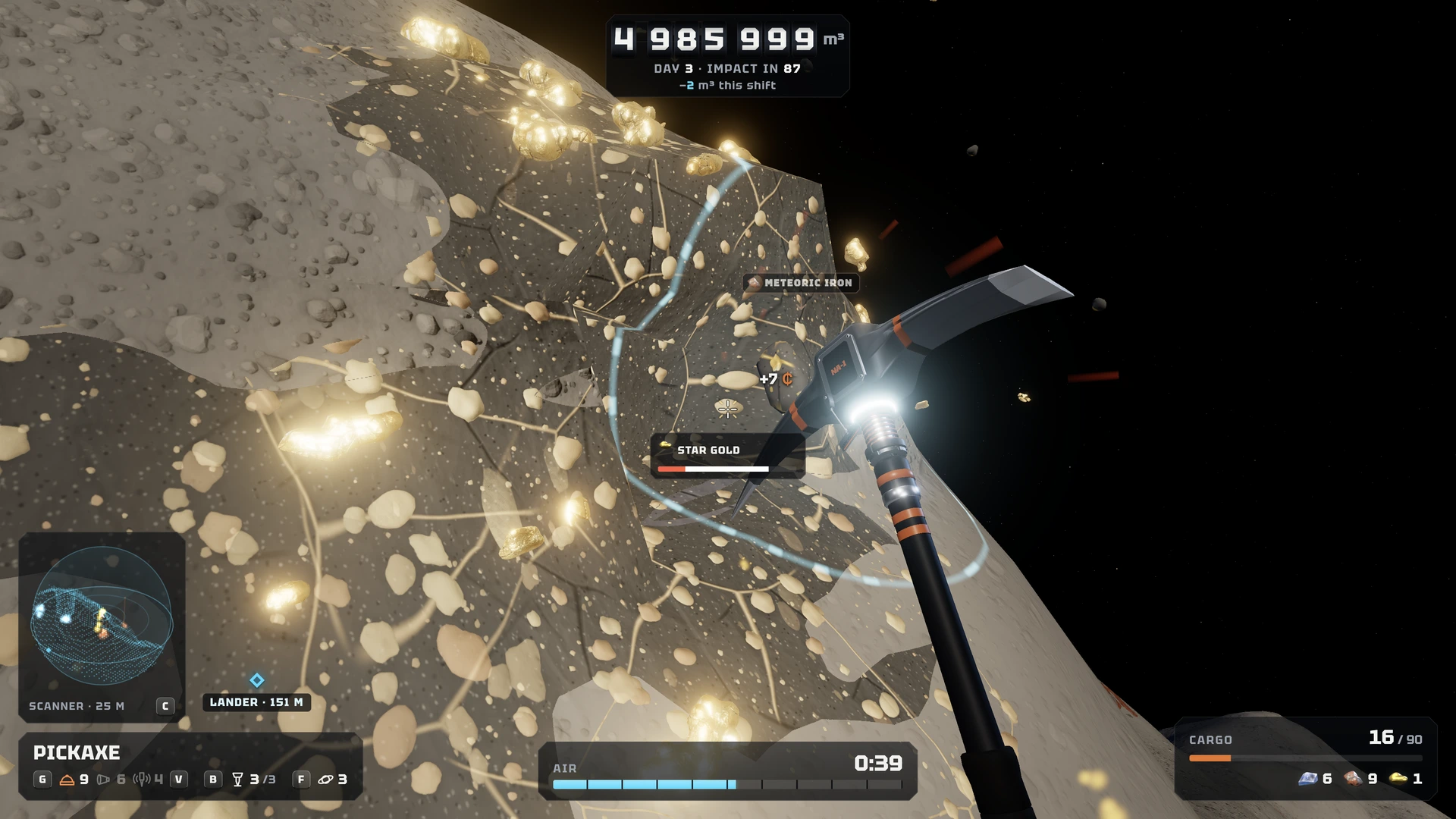
FIG. 02Gold seam Full frame
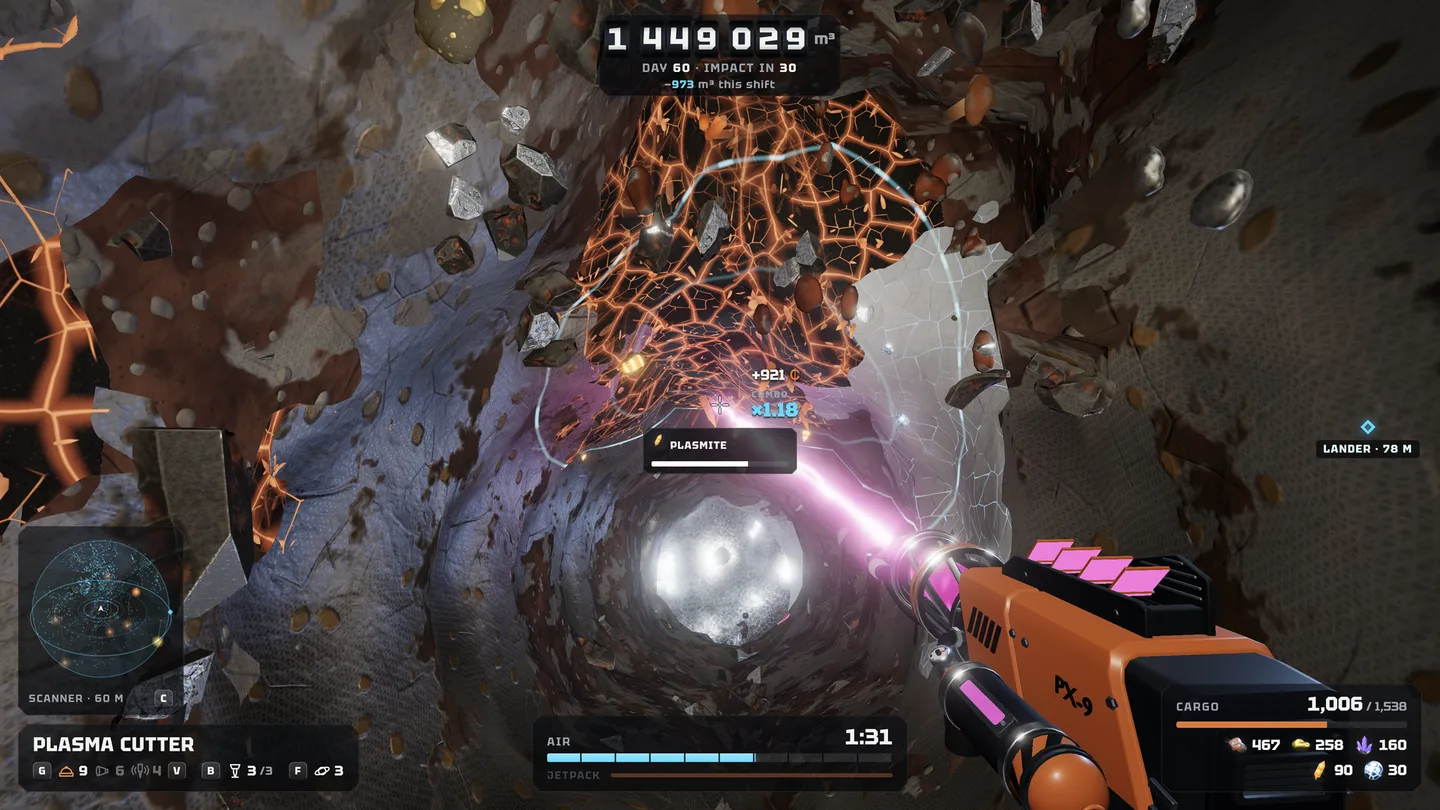
The AIR timer is at the bottom center. The blue LANDER marker is at the far right.
FIG. 03Return passage Full frame
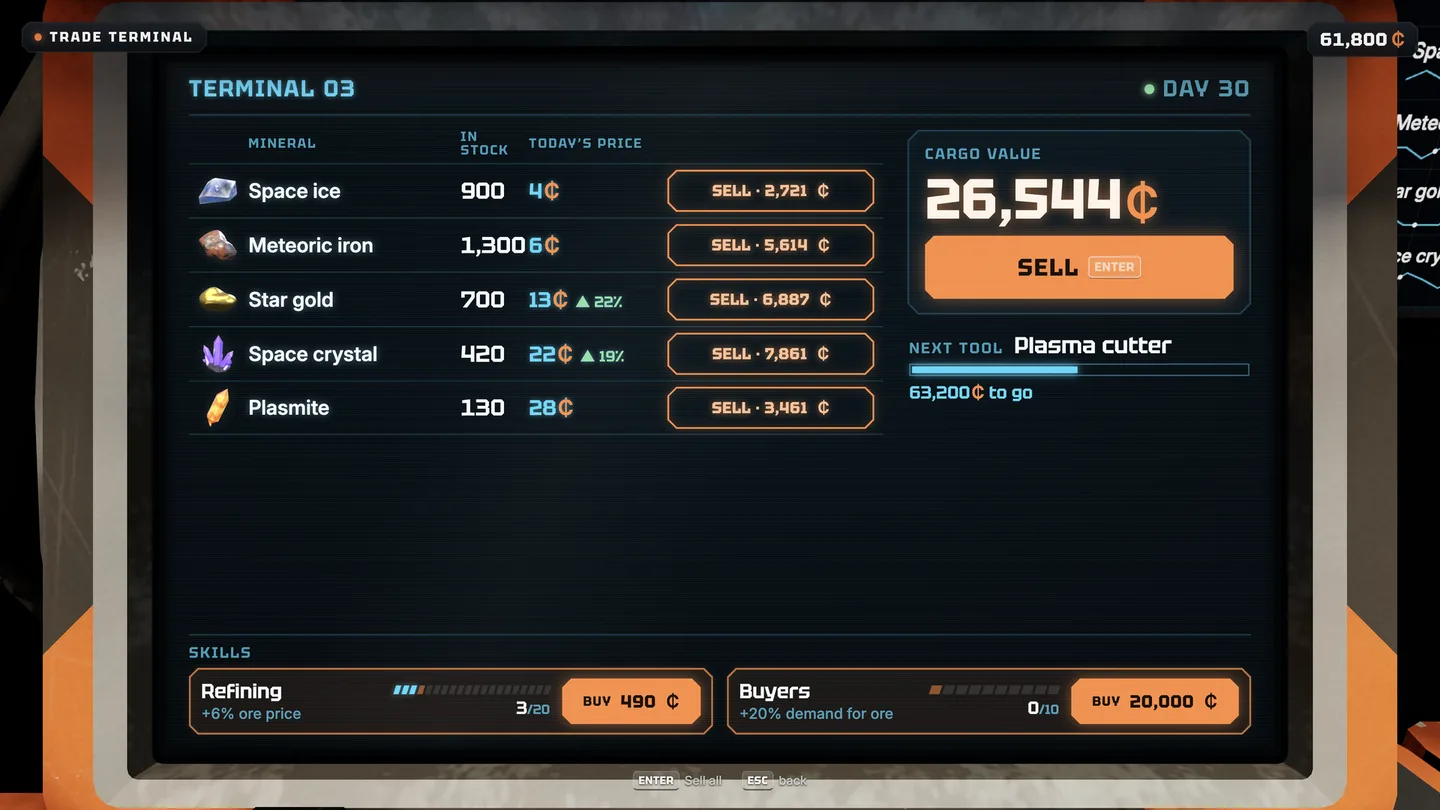
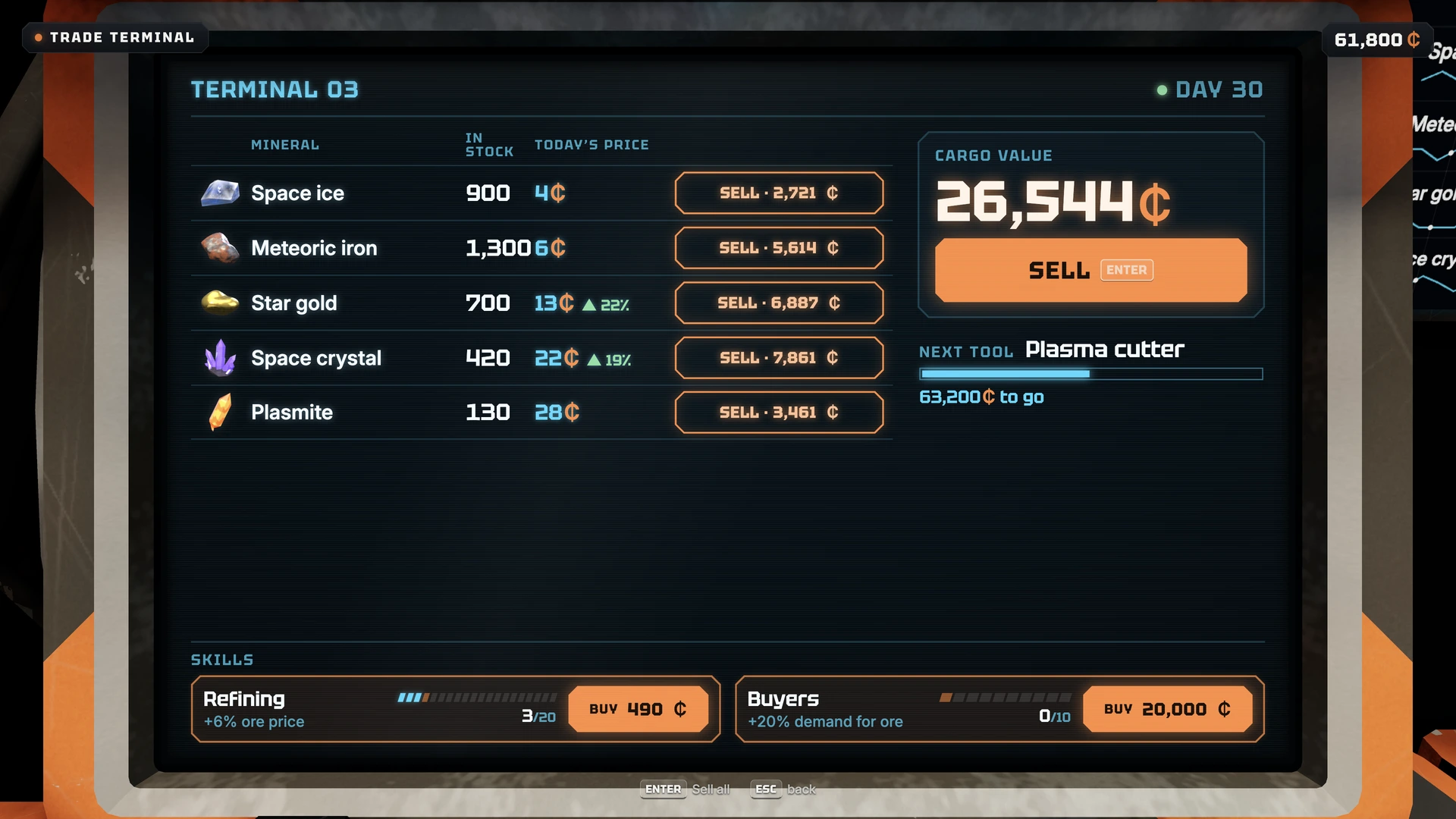
The ship’s trade terminal lists ore, stock and Sell controls alongside cargo value.
FIG. 04Trade terminal Full frame

04 Back aboard

Sell the haul

Check IN STOCK and CARGO VALUE at the terminal. Use the Sell control on the ore’s row to confirm your sale.

After the shift

Guide directory

Gameplay photographs © Unruled Games press kit. Capture builds and platforms unspecified.

Find a guide

Field photograph

Unruled Games press kit