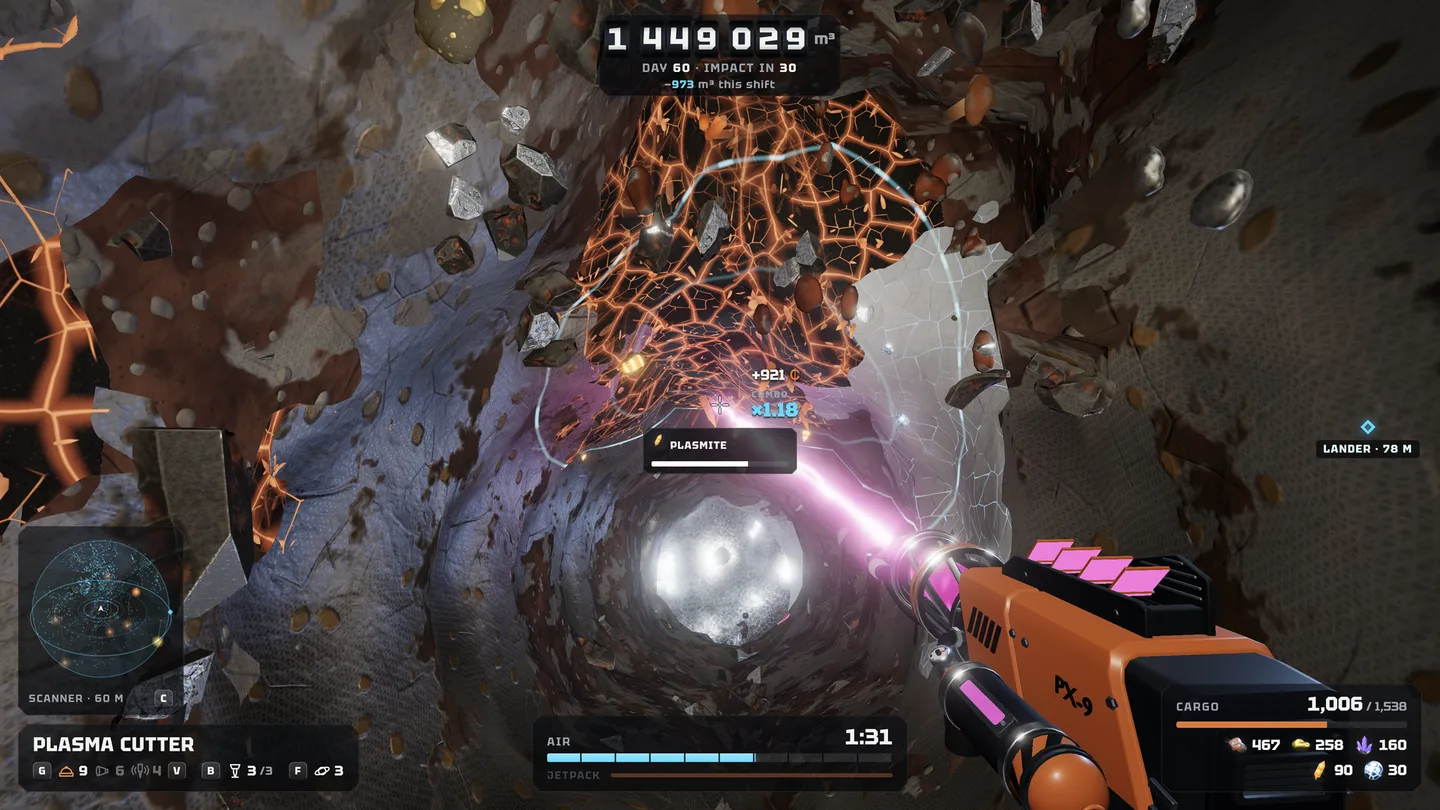
Read the AIR timer at the bottom of the screen. Turn back with enough time to retrace the route you actually took, including the climb out. In co-op, check that everyone has boarded before the lander returns.
In this guide
Find AIR and LANDER
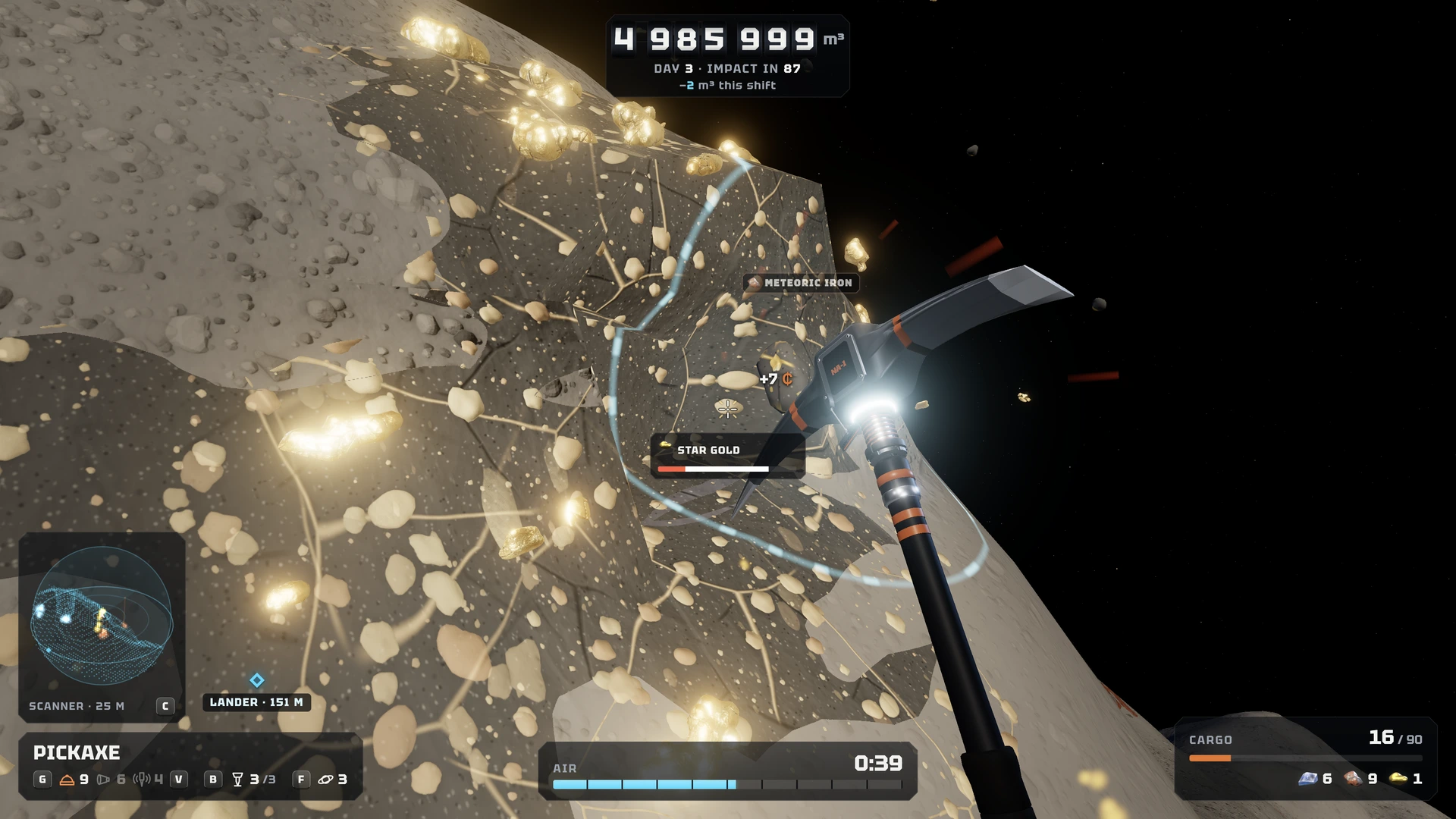
Before your first swing, locate AIR at the bottom centre of the HUD. Turn until you can see the blue LANDER marker. As you walk away, glance back at the route and note where the marker moves.
In the developer’s gold scene the large number at the top is rock left on the asteroid. The smaller timer beside the blue bar is the one that matters for this trip.
Turn around before the route gets uncertain
Make your first trip short enough to learn the approach. At each bend, check that you recognise the way back before starting another cut. If the route disappears behind a lip or the return climb looks awkward, head back while you have room for a detour.
A marker through rock can point at the lander on the other side of a wall. Follow your open route and use the distance readout to confirm that you are getting closer. Record how long the return took on this route before going deeper next shift.
Board and count the crew
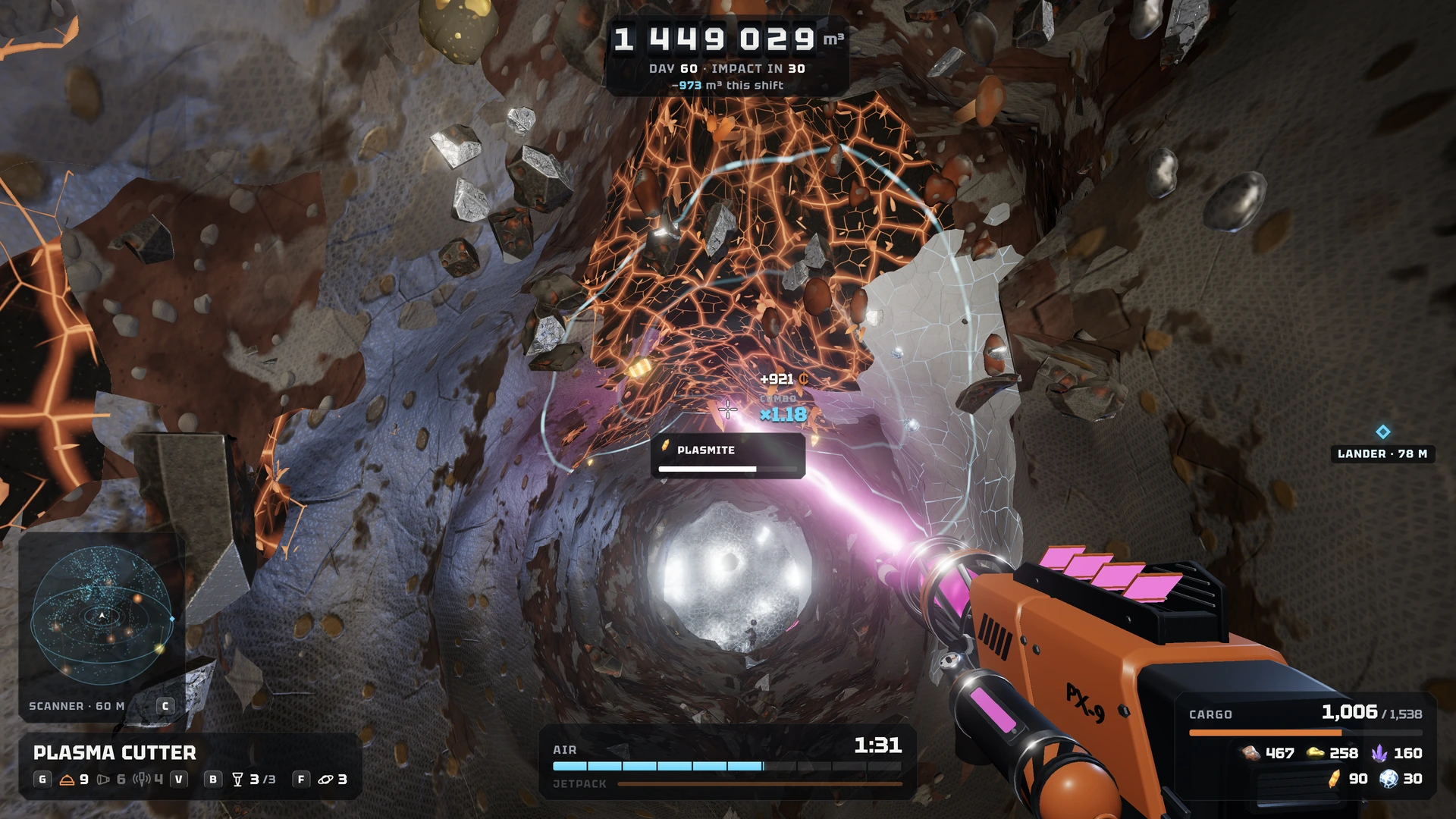
Solo, board the lander and return to sell. With friends, have each miner confirm they are aboard. The 13 Nov co-op demo notes warn that departure can cost a stranded miner their haul. The 24 Nov update added crew text chat, bound to T by default and configurable in Settings.
If a teammate is down, disconnected or missing from the boarding count, identify the host and check both game versions. For a timer that stops at departure, follow the return countdown checklist.
Sources and version
Field Manual editors · Published · Last checked and updated .