Unlock the Lance and Slicer
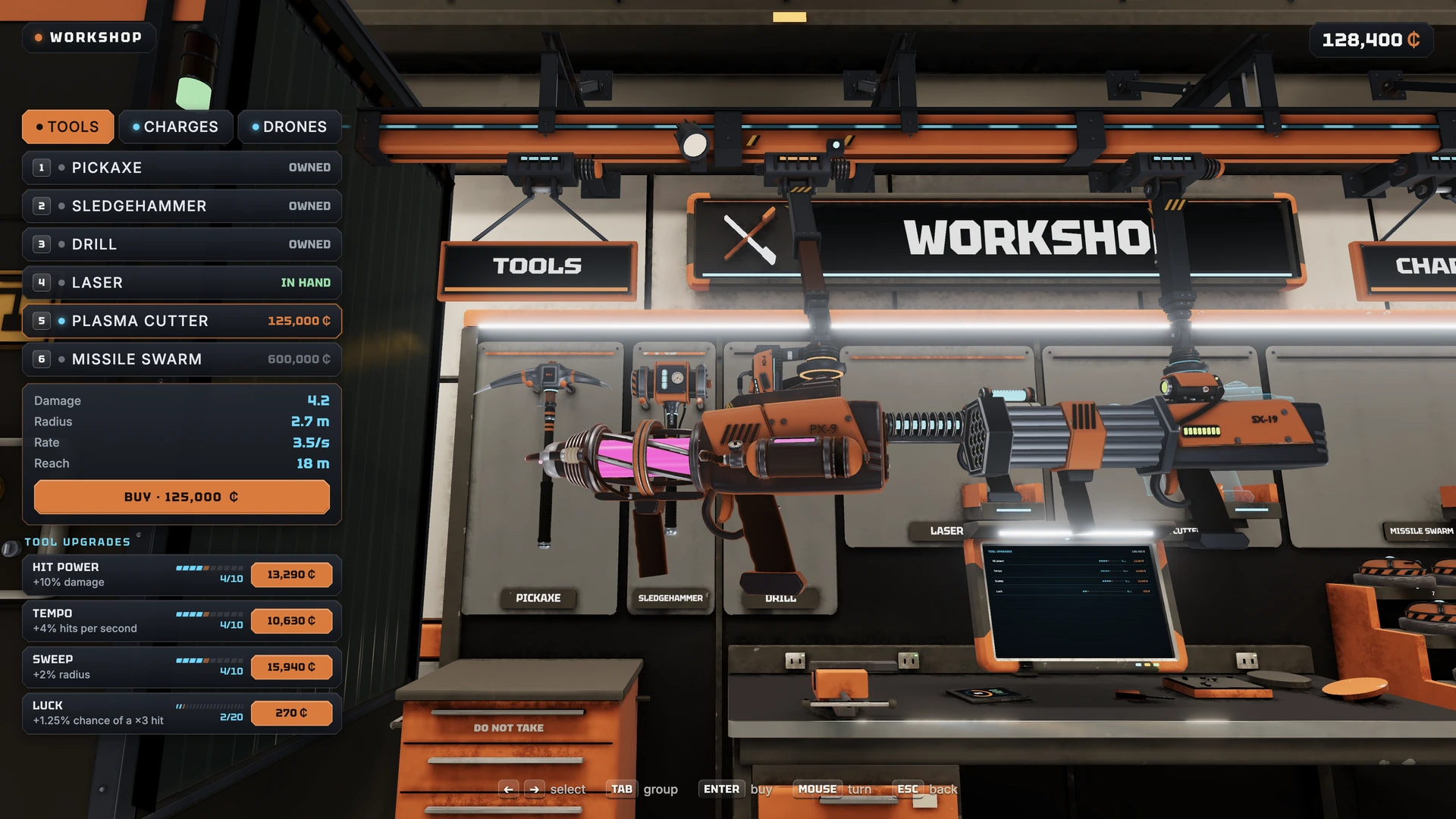
Buy either Orbital Strike or Collapsar, then revisit the workshop. Version 1.0.2 opens both the Lance and Slicer after either purchase. Previously owned tools remain available.
In this guide
Check the ship purchase first
Open the installed ship equipment and look for Orbital Strike or Collapsar. If neither has been purchased, the late-tool gate can explain an empty workshop entry. If one is installed, check the campaign and compare its version with 1.0.2.
Read the unlock change in 1.0.2
Switch the Lance between two firing modes
Point the Lance at the rock you want to work. Right-click switches between a charged shot and continuous fire with the default mouse binding. If you have rebound controls, use the action shown by your game. Version 1.0.2 improved charge, cooldown and mining power.
Check the Slicer from the guest’s side
Compare a cut seen by the host with the same action seen by a guest. The 25 November 18:21 UTC update accelerated the Slicer’s cuts and improved its response for guests. That announcement also removed the backwards push from Lance fire.
Check the build if a sold tool locks again
The 12:47 UTC gear update added workshop buybacks for unwanted hand tools. The later 18:21 UTC announcement addressed the Lance and Slicer locking again after a sale. Record the campaign, earlier qualifying purchase, tool and build if your workshop still shows a lock.
Sources and version
Field Manual editors · Published · Last checked and updated .