Using Charges and Mining Drones
Check your charge type before you throw one. Standard charges blast an area. Shakers loosen ore and draw it toward you. When using a Prospector, check the ship’s cargo space as well as your own backpack.
In this guide
Read your standard charge capacity
Look at the amount you can carry before committing to a longer route. The 21 November note gives a base and an upgraded capacity. These counts apply to standard charges.
| Item and condition | Documented value | Developer note |
|---|---|---|
| Standard charges Base carrying capacity | 12 charges | 21 Nov · Stronger Drones, Tunnel Mode & Co-op Fixes |
| Standard charges Maximum with carry upgrades | 24 charges | 21 Nov · Stronger Drones, Tunnel Mode & Co-op Fixes |
Use a Shaker when the target is ore
The 22 November rework pulls loosened ore toward you while cracks spread into the surrounding rock. Watch for both effects before moving on. Version 1.0.2 extended Shakers to large detached pieces.
Separate drone power from storage
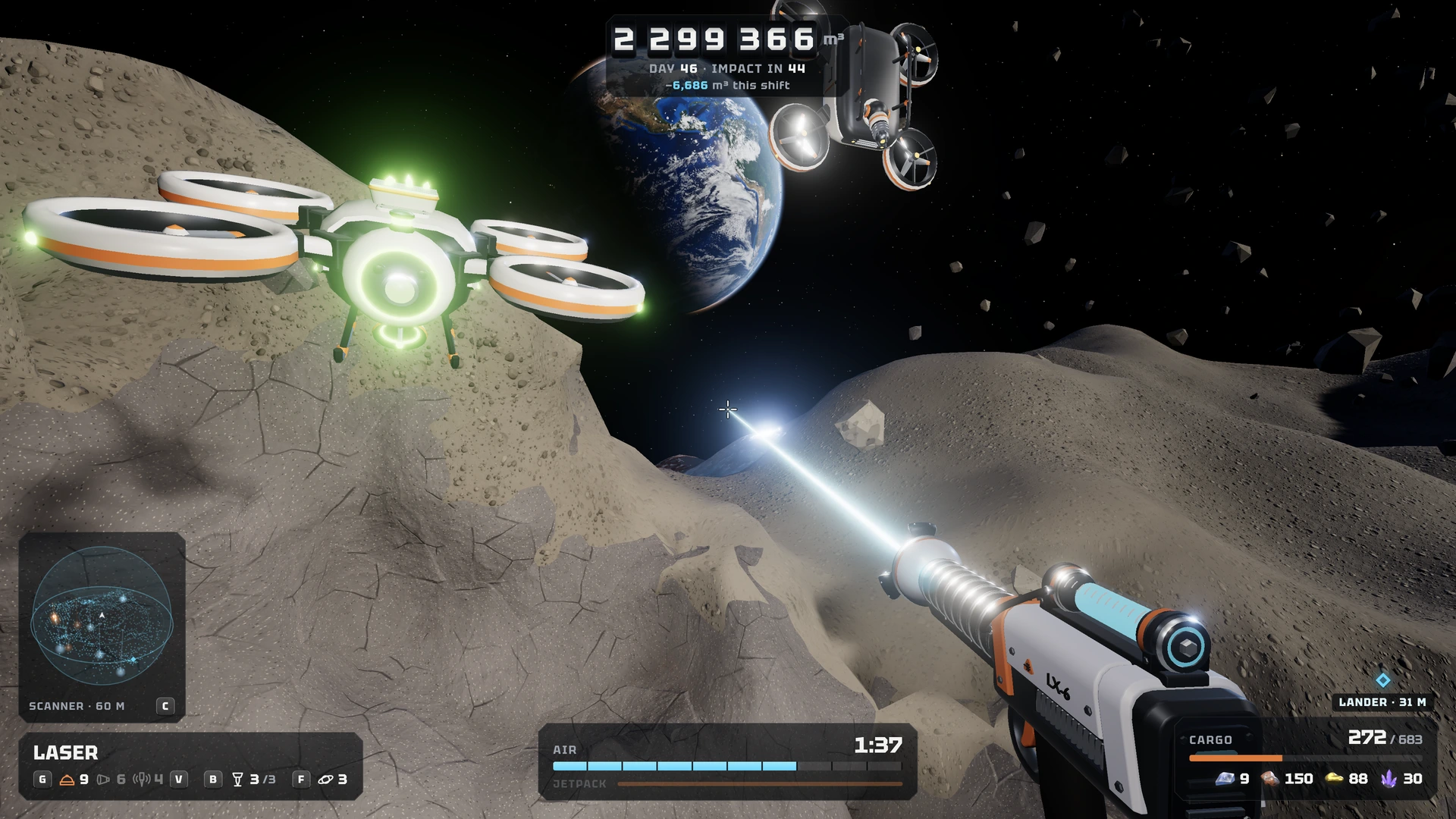
Digger seeks nearby rock. Prospector can continue with a full backpack if the ship’s hold has room. Check the hold if the drone seems to stall. On 1.0.2 the ship controls also let you switch drones off.
| Item and condition | Documented value | Developer note |
|---|---|---|
| Digger and Prospector Power upgrades on the two named drones | 25 % per level | 21 Nov · Stronger Drones, Tunnel Mode & Co-op Fixes |
Compare results on the same save
Take the same drone and upgrade level through two comparable shifts. Note whether the hand tool, ship weapons or crew also removed rock. The developer figure describes the power upgrade per level. A shift total includes the work of everyone and every active system.
Sources and version
Field Manual editors · Published · Last checked and updated .