When a Guest Cannot Mine
Ask whether the host can see the guest and whether this host started another session after an earlier one ended. That sequence caused a documented visibility, mining and saving issue. Check both players’ builds before trying the same sequence again.
In this guide
Compare what each player sees
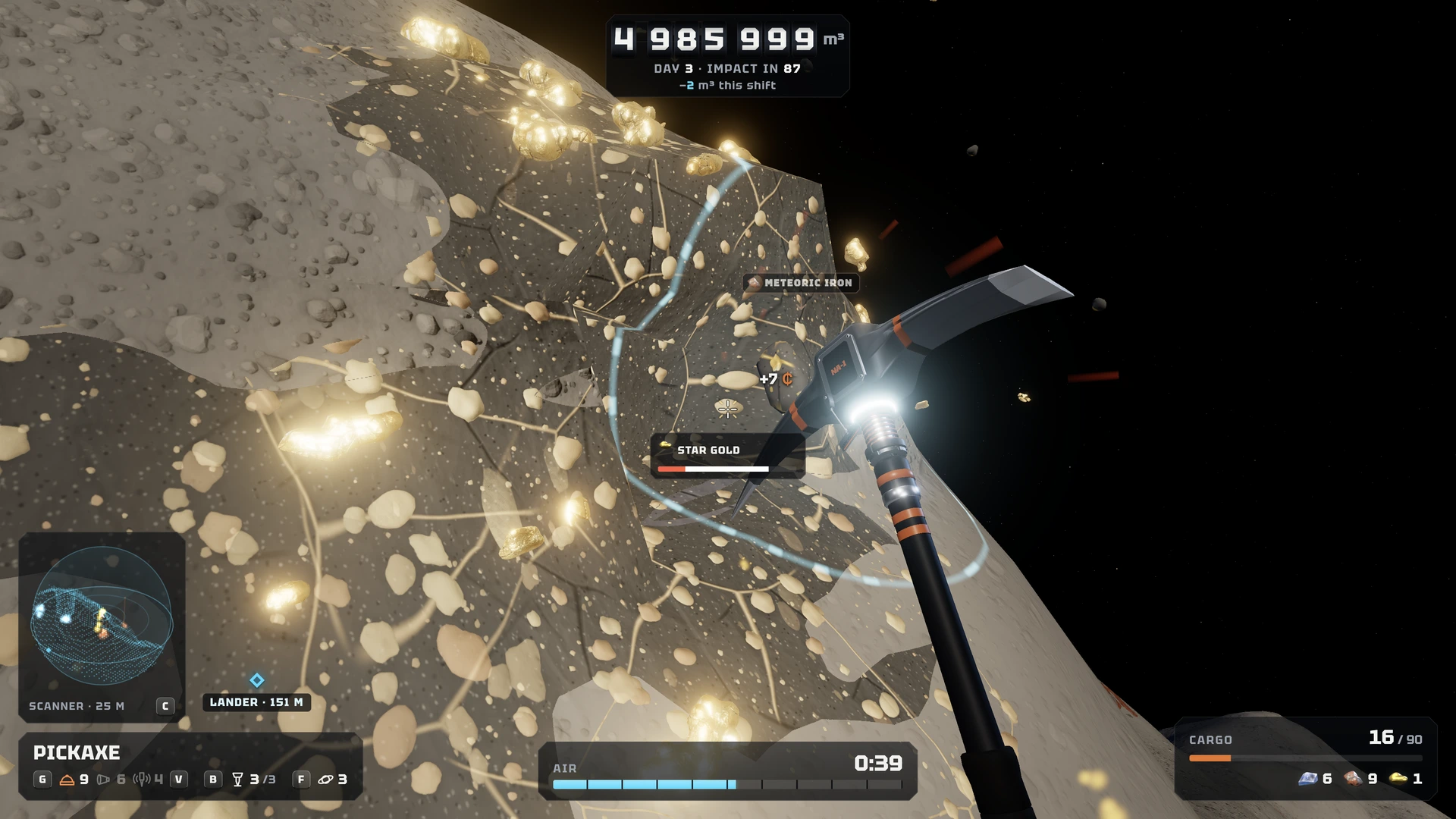
Record the edition and build on both computers. If the guest sees an incompatibility warning, update the installations before repeating the join. If the join succeeds, meet at the lander and have the guest try their pickaxe on an exposed patch of ore while the host watches.
Write down whether the host sees the guest, sees rock being removed and can mine the same area. A different personal tool is expected if the host enabled personal gear. Check how personal gear works.
Check the second-session host change
List who hosted the first session, when it ended and who hosted the next one. The November 19 pre-release notes describe teammates becoming invisible or unable to mine when someone hosted after an earlier session ended. Progress could also fail to save for the new host. Read the developer’s November 19 fix.
A guest in the Steam discussion reported that the host could not see them and they could not mine. The developer replied that a likely cause had been found and a fix shipped. The player’s follow-up did not establish an outcome on every platform. Read the original player report and developer reply.
Separate a Slicer slowdown
Was the guest visible, and did hits stop registering only when the host used the Slicer? A player described that sequence in a four-person session. Record who fired, how many people joined and whether the guest could mine before firing began. Four-player Slicer report.
Unruled Games improved guest Slicer responsiveness in the November 25 evening update. Version 1.0.6 later addressed severe co-op slowdowns more generally. Neither note identifies the four-player report as a confirmed retest. Developer notes on Slicer responsiveness.
Preserve the save and repeat the join
At the end of the session, have the host check which campaign slot and day were saved. On builds with the November 25 copy feature, the host can make a separate campaign copy in Load Game before another test.
Relaunch the game on matching versions, let the same host load the intended slot and invite one guest. If the problem returns, send the host order, number of players, save day, platform and observations from both screens. Share the join sequence with the developer on Steam.
Sources and version
Field Manual editors · Published · Last checked and updated .
- Unruled Games · Keyboard Rebinding & Co-op Fixes · November 19
- Steam discussion · Invisible guest and mining failure, with developer reply
- Steam discussion · Four-player Slicer report
- Unruled Games · New Game+ Bonuses, Mining & Co-op Improvements · November 25
- Unruled Games · Update 1.0.6 · November 25
- Unruled Games · Gear, Progression & Co-op Improvements · November 25